Note: This is mock/placeholder content for demonstration purposes.
The standard workflow for AI-assisted development looks like this: the assistant writes code, a human reviews it, the human flags security issues, the assistant revises. Repeat until something ships. That loop is better than no review, but it's slow, and it teaches the assistant nothing — the next session starts from scratch.
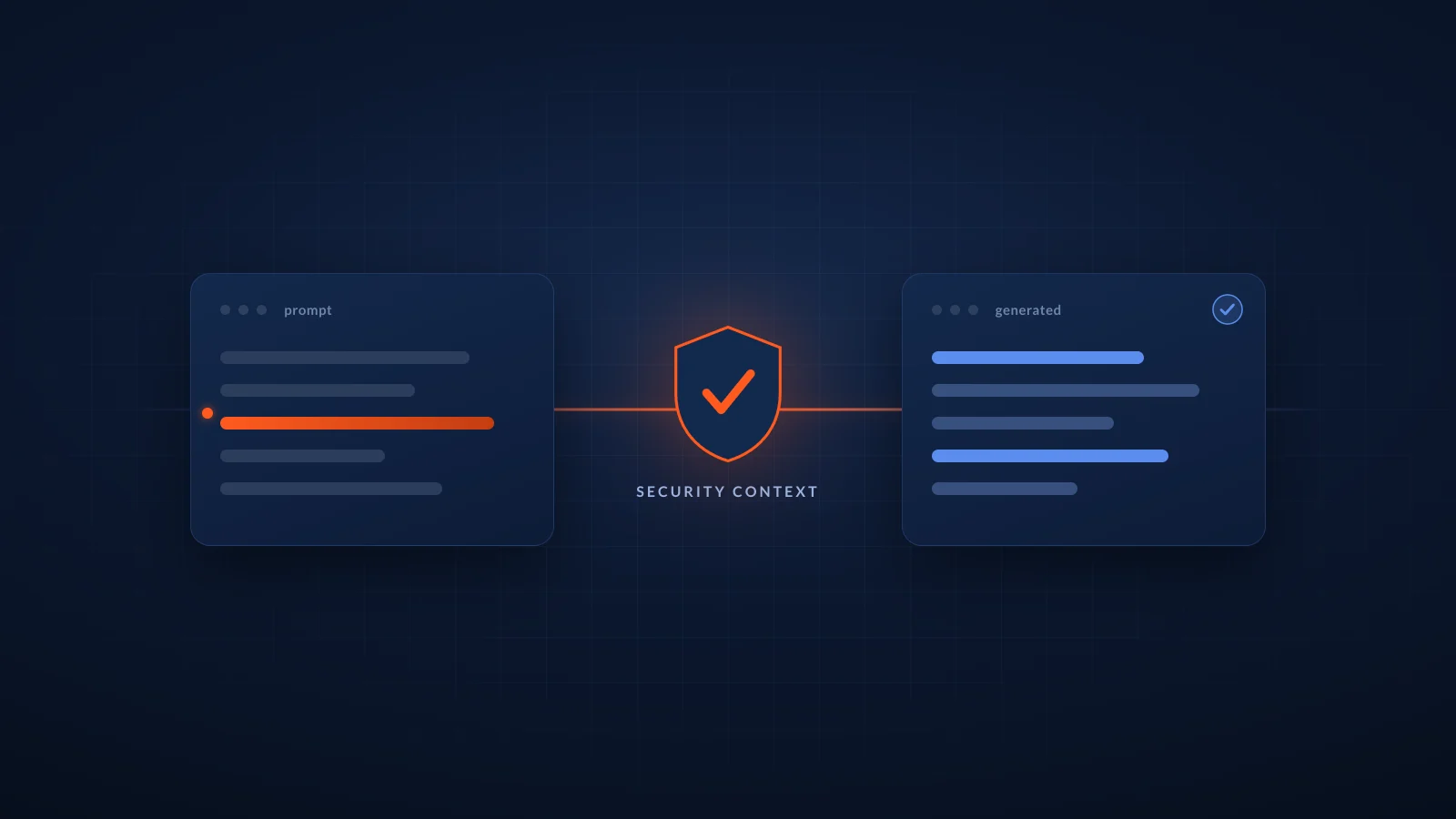
SC Sentinel moves the security standards earlier, into the generation step, where they can actually shape the output.
What "security context" means in practice
When an MCP-compatible assistant queries SC Sentinel, it receives a structured response describing your team's approved patterns. That might include: which cryptographic primitives are allowed, how input validation is expected to work, which third-party libraries are approved, and which patterns are explicitly forbidden.
The assistant uses this as context when generating code — the same way it uses your codebase context or your comments. The difference is that this context is curated, versioned, and controlled by your security team rather than inferred from whatever the model was trained on.
What gets injected
A licensed SC Sentinel response includes several layers of context:
- Your team's own security rule set, expressed as structured guidance the model can follow
- OWASP Top 10 cross-references relevant to the frameworks in scope
- Framework-specific notes (e.g., server-side rendering patterns, database access-control conventions)
- Explicit call-outs for patterns your team has already flagged in real reviews
The free tier returns a hello / health response only — useful for verifying the integration, not for real security context.
Supported clients
SC Sentinel implements MCP over HTTP, which means any client that supports the protocol can query it. Tested and supported today:
- Claude Code and Claude Desktop — configure via
.mcp.jsonor the MCP settings panel - Cursor — add the endpoint in Cursor's MCP server configuration
- GitHub Copilot — via the Copilot MCP extension (requires Copilot Business or Enterprise)
- Windsurf — native MCP support, no plugin required
The endpoint is a plain HTTPS URL. If your assistant supports MCP and can reach the internet (or your internal network, for self-hosted deployments), it works.
Why context-first beats review-first
A security issue caught in generation costs nothing. The same issue caught in PR review costs a review cycle. Caught in staging, it costs a deployment. Caught in production, the conversation gets longer.
Context-first doesn't eliminate review — you still want human eyes on generated code. But it shifts the distribution: fewer obvious issues per review, more attention available for the subtle ones that a rule set can't fully capture.
Getting started
Point your assistant at your SC Sentinel endpoint URL and verify with the free health response. Then activate a license to unlock the full context response. Configuration is a one-time step per client; once it's in, every generation session benefits automatically.