Note: This is mock/placeholder content for demonstration purposes.
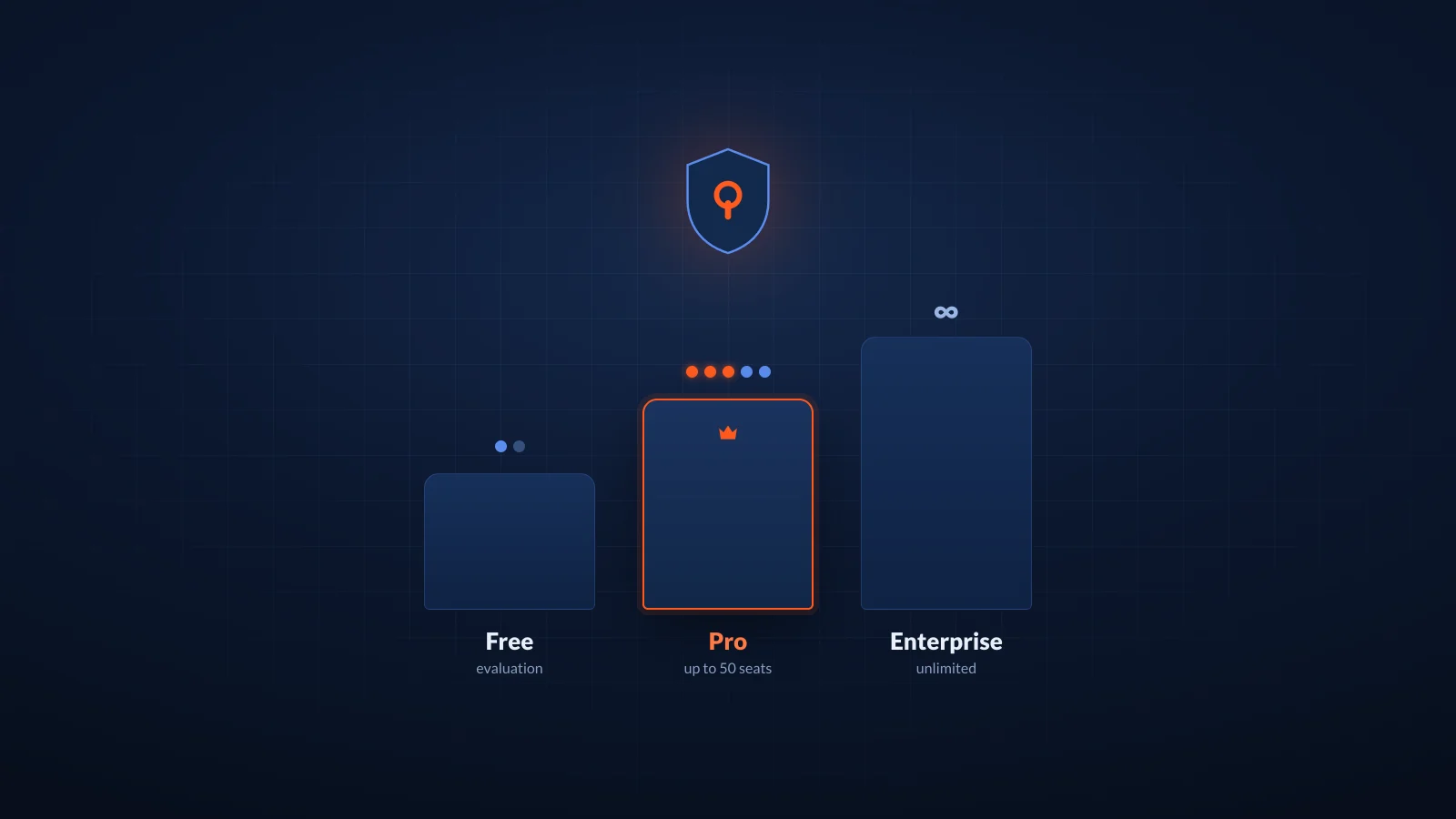
SC Sentinel uses a license key model with a free tier that never expires. The split is deliberate: the free tier is genuinely useful for evaluation, and the paid license unlocks the security context that makes SC Sentinel worth running in production.
The free tier
Any request to a SC Sentinel endpoint without an activated license gets a valid MCP response — specifically a hello endpoint that confirms the server is reachable and a health endpoint that reports server status. Both are real MCP responses; neither requires a license key.
This is useful for verifying your client configuration, testing firewall rules on self-hosted deployments, or evaluating whether MCP-based security context is the right approach before buying anything.
The free tier is rate-limited to a modest request allowance. It just doesn't return security context.
Activating a license
License keys are issued from the SC Sentinel dashboard after purchase, and the license activates on your account server-side. The endpoint verifies it against the license service on each request, so there's no separate activation step to perform.
Activation happens automatically when you complete checkout — for both the hosted endpoint and self-hosted deployments. There's nothing to run by hand; the same endpoint URL and token start returning security context once the license is active.
Keys don't expire on a fixed date; they're tied to your subscription. Cancel the subscription and the key deactivates at the end of the billing period.
What a paid license unlocks
With an active license, every MCP request returns the full security context response:
- Your configured rules (built-in OWASP-derived rules plus any custom rules you've defined in the dashboard)
- Per-framework guidance matched to the project context your assistant provides
- Explicit pattern prohibitions your team has flagged
The response is structured JSON that MCP-compatible assistants parse natively. You don't need to post-process it.
Seat-based plans
Licensing is per seat, where a seat is one developer actively using an SC Sentinel-connected assistant. The dashboard tracks active seats based on request activity over the trailing 30 days; a developer who hasn't made a request in 30 days doesn't count against your seat total.
Plans currently available:
- Starter — up to 5 seats, flat monthly or annual pricing
- Pro — up to 50 seats, flat monthly or annual pricing
- Enterprise — unlimited seats, custom pricing, includes SLA and self-hosted deployment support
Each plan is a flat price, not per-seat billing. You can adjust seats from the billing settings at any time.
Questions
The license model is intentionally simple. If something about it doesn't fit your team's procurement requirements — volume discounts, purchase orders, multi-year terms — reach out via the contact form and we'll sort it out.